
Professional LCD and touch screen manufacturer/design solution provider
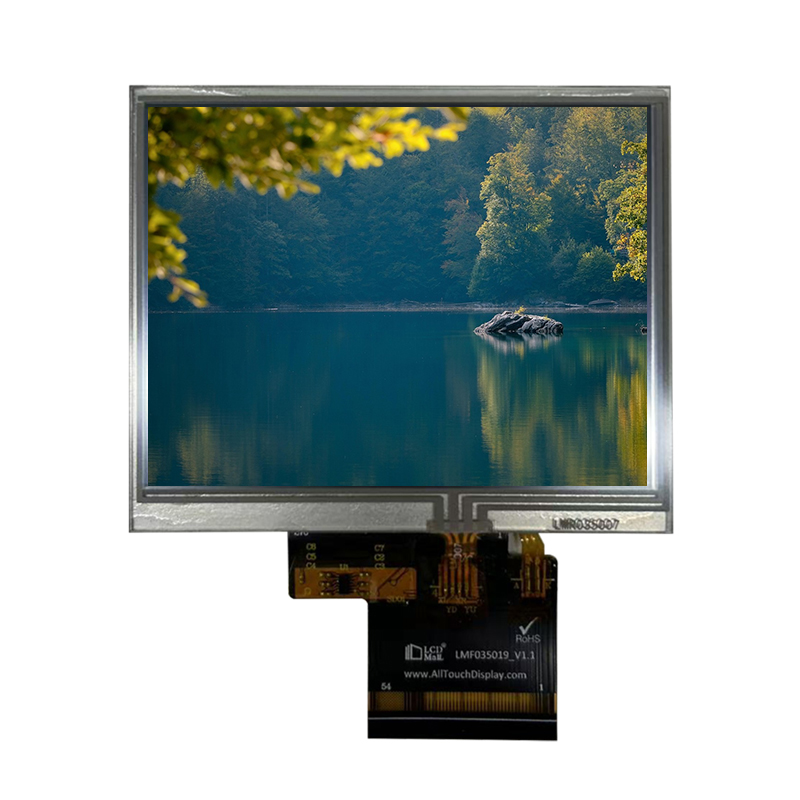


This module's versatility and ruggedness make it suitable for a broad range of applications:
Industrial HMI & Control: PLC interfaces, factory automation panels, test equipment, CNC machine controls.
Medical & Laboratory Devices: Patient monitors, diagnostic equipment, laboratory instrument readouts.
Point-of-Sale & Retail: Kiosks, self-service terminals, handheld payment devices.
Automotive & Transportation: Aftermarket dash displays, diagnostic tools, fleet management systems.
Consumer & Home Appliances: Smart thermostats, security system panels, premium appliance controls.
Legacy System Upgrades: Ideal for modernizing equipment with older CRT or monochrome displays.
How to Choose:
Use RGB Interface: When you require maximum display performance—fast animations, video playback, or complex GUI on an MPU/CPU with an LCD controller.
Use SPI Interface: When pin count is limited, using a simple microcontroller (e.g., Arduino, STM32, ESP32), and moderate refresh rates are acceptable for dashboards or control menus.
Our Support Includes:
Comprehensive Documentation: Pinout diagram, electrical characteristics, initialization sequence for both interfaces.
Reference Designs: Schematic snippets and layout recommendations for the 54-pin interface.
Driver & Code Examples: Sample code for initializing the display via SPI and RGB on popular platforms.
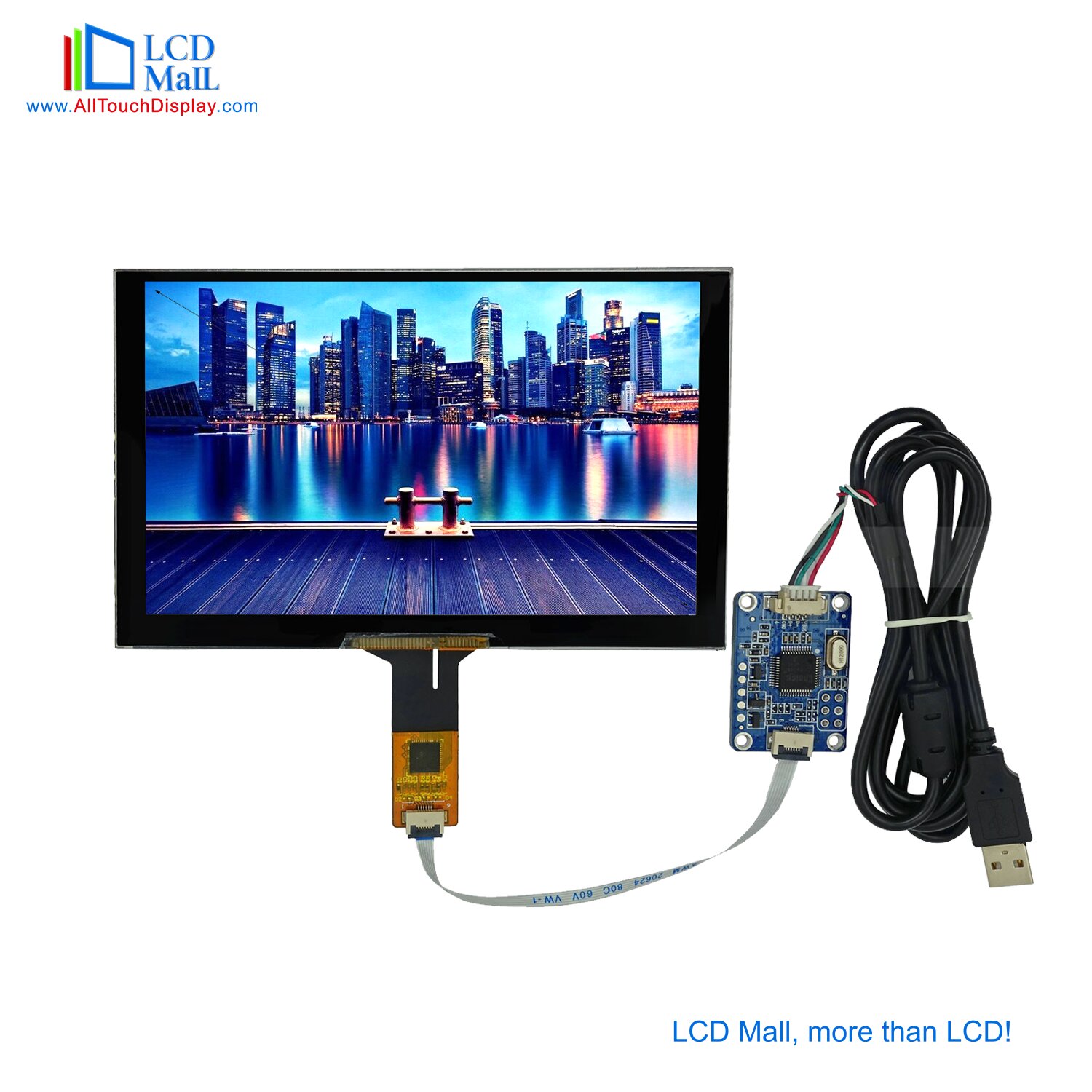
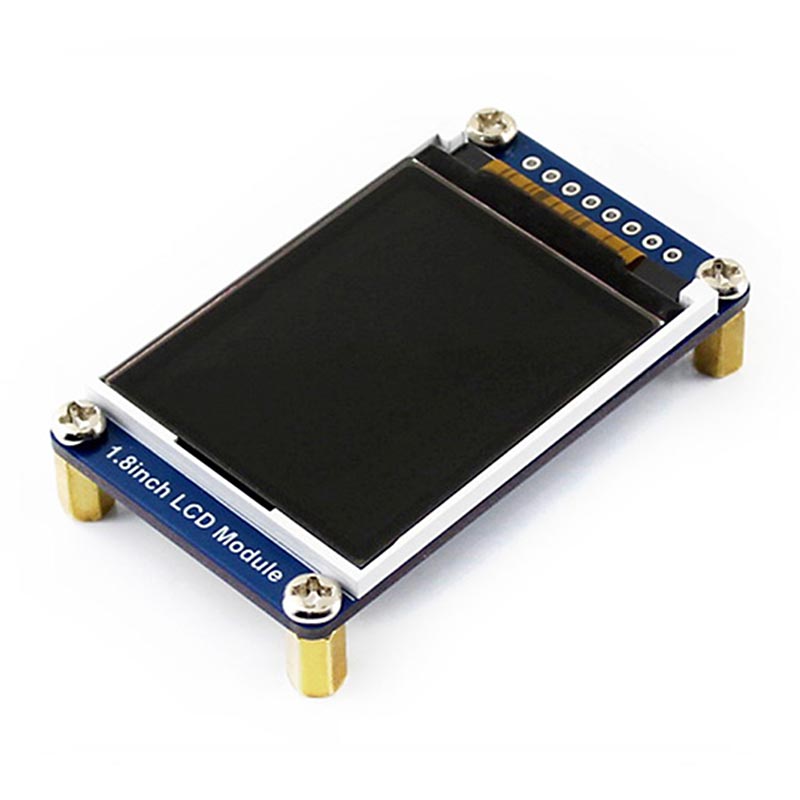
Adapter Boards: Available breakout boards (DIP) for easy prototyping and evaluation.
Q1: Can I use both RGB and SPI interfaces simultaneously?
A: No. The module is designed for either/or operation. You must configure your host system to use one interface by connecting and controlling the appropriate pins. The initialization sequence differs for each mode.
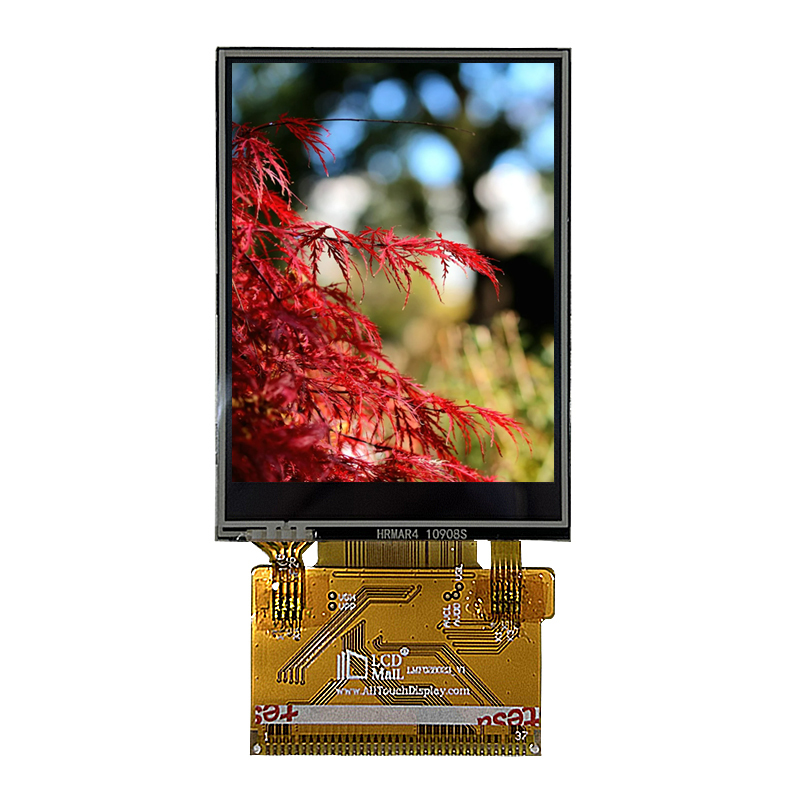
Q2: What is the advantage of resistive touch over capacitive for this module?
A: Resistive touch is preferred in environments requiring operation with gloves, in the presence of liquids, or where precise stylus input is needed (e.g., signatures). It is also generally more cost-effective for industrial applications.
Q3: Do you provide a touch controller IC?
A: The 4-wire resistive touch panel outputs analog signals (X+, X-, Y+, Y-). These require an external ADC (often integrated into your MCU) or a dedicated resistive touch controller (e.g., ADS7843, TSC2046) on your mainboard to digitize the touch coordinates.
Q4: What is the minimum order quantity (MOQ)?
A: MOQ for standard modules is typically low. Please contact us for specific pricing and MOQ details for custom configurations (brightness, connector orientation, etc.).
Q5: Is the backlight driver included?
A: The module includes the LED backlight array. A simple series resistor or a constant current LED driver circuit on your mainboard is required to control brightness and power the backlight.

Professional LCD and Touch Manufacturer / Design Solution
Hello, please leave your name and email here before chat online so that we won't miss your message and contact you smoothly.











PRODUCT MESSAGE